Upload a song. Watch an orchestra perform it.
The instruments are identified automatically. A 3D orchestra takes its seats and performs the song, filmed with a director camera.
How it works
1Upload a song
mp3, wav, m4a, flac or ogg, up to 100 MB and 10 minutes. The upload stays private: nobody else can play it unless you share it.
2The instruments are identified
MVSEP's 53-stem separation model splits the recording into instruments, and the app reads from the stems who plays when. This usually takes 2 to 4 minutes.
3The orchestra performs it
A 3D orchestra takes its seats under concert lighting. The conductor walks on, a director camera cuts between wide views and close-ups on whoever is playing, and the orchestra bows at the end.
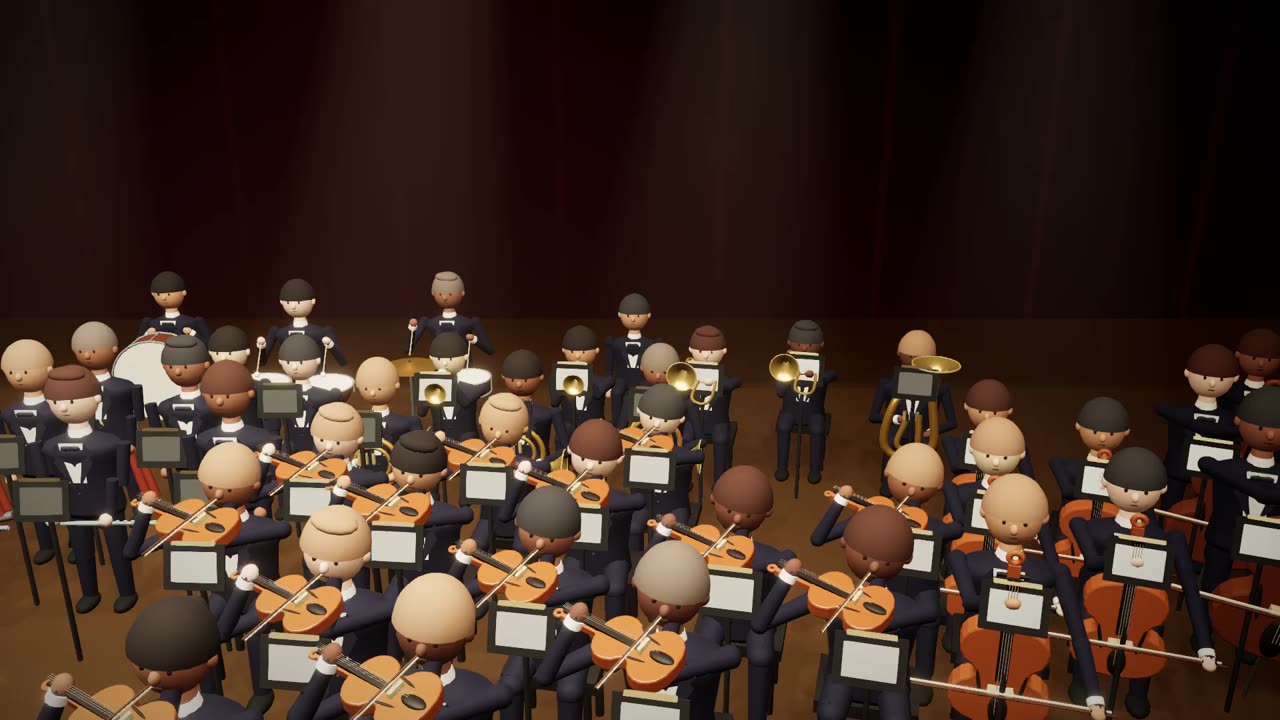
The first minute of the demo concert, with its music.
A filmed concert, not a visualizer.
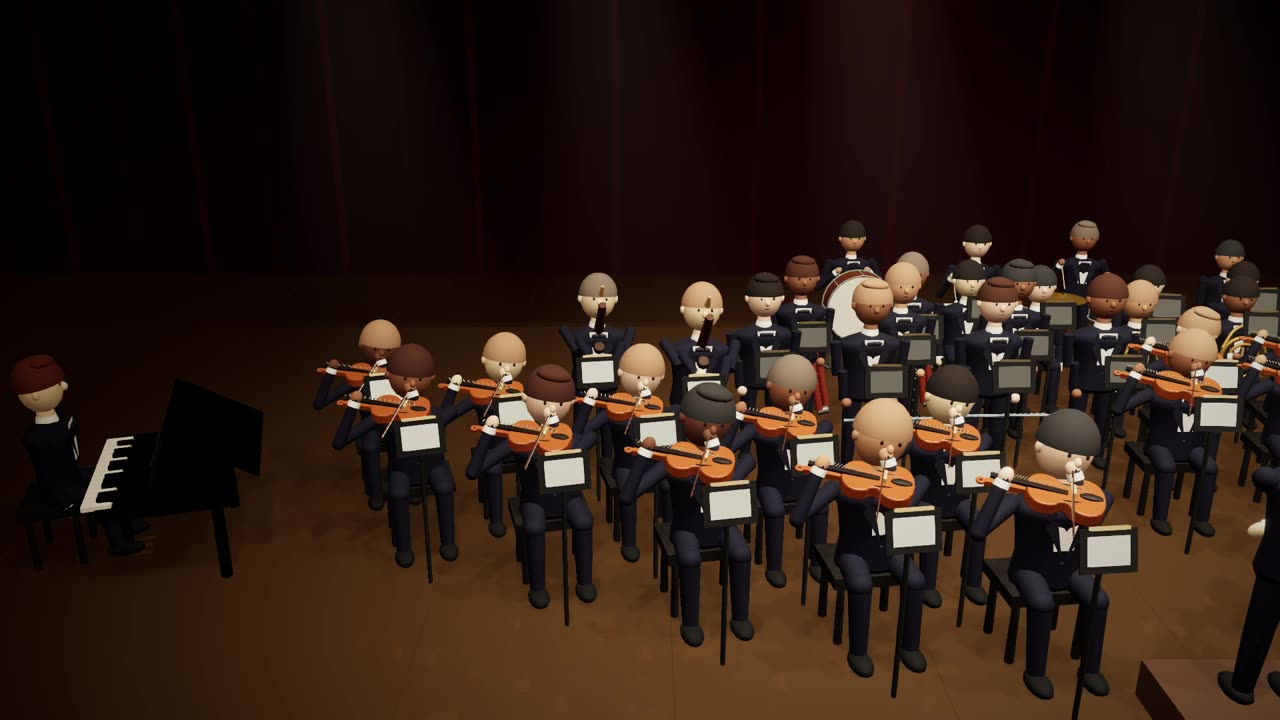
Director camera and concert lighting
The camera moves between wide views, a look over the conductor's shoulder, section shots and close-ups on whoever is playing. The hall is lit like a concert, and the lighting rises for the strongest passage.
Correct the detected instruments
Detection is automatic, not perfect. Untick an instrument that is not in the piece, add one that was missed, and save.
Share a view-only link
Songs stay private unless you share them. A link plays the concert read-only, and you can revoke it.
Export for YouTube
1080p or 4K at 60 frames per second, rendered in your browser. The export needs Chrome or Edge on a computer.
3 free songs
Sign in with Google. The first 3 songs on an account are free.
Questions
Which files can I upload?
mp3, wav, m4a, flac or ogg, up to 100 MB and 10 minutes per song.
How long does it take?
The separation usually takes 2 to 4 minutes. The app shows each step while it runs, and the concert opens as soon as the instruments are identified.
Where does my audio go?
Uploads are stored privately and nobody else can play them unless you share a link. For the separation the recording is sent to MVSEP, a third-party service, and deleted there afterwards. Your audio is never used for training.
What does the video export need?
Chrome or Edge on a computer. The export renders in your browser, at 1080p or 4K and 60 frames per second, as an mp4 you can upload to YouTube.
What does it cost?
The first 3 songs on an account are free. There is no paid plan yet.
What about the rights to the music?
You must hold the rights to what you upload, or have permission from the rights holder. A shared concert plays your recording to anyone with the link, so share only what you may share.
If a recording was uploaded without permission, write to hello@orchestrareel.com.
Start with a song you own.
Sign in with Google. The first 3 songs are free.